
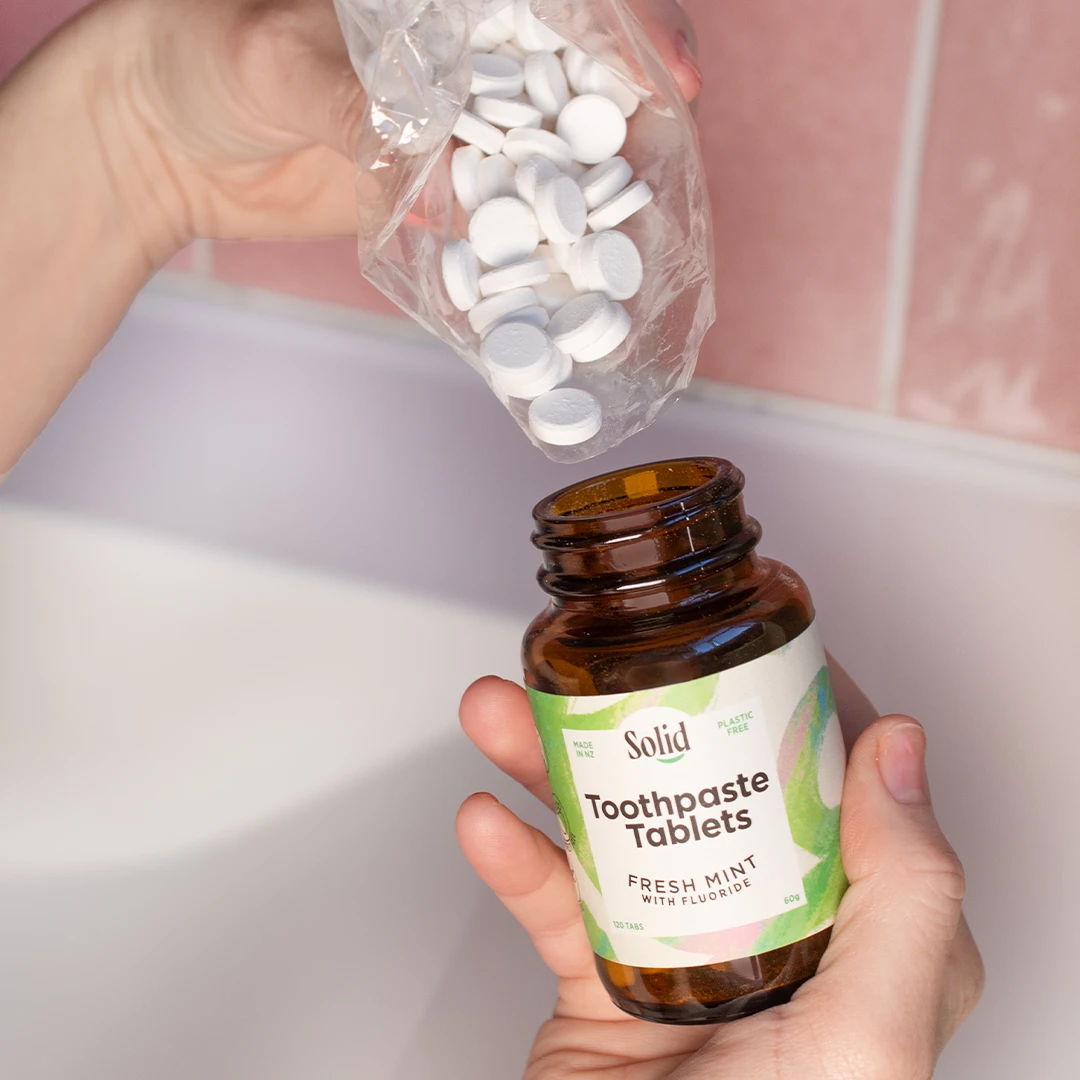
Save 10% on all oral care
Never run out of toothpaste again
Full subscription control

1. Choose your products
Head to our shop and select the products you never want to run out of
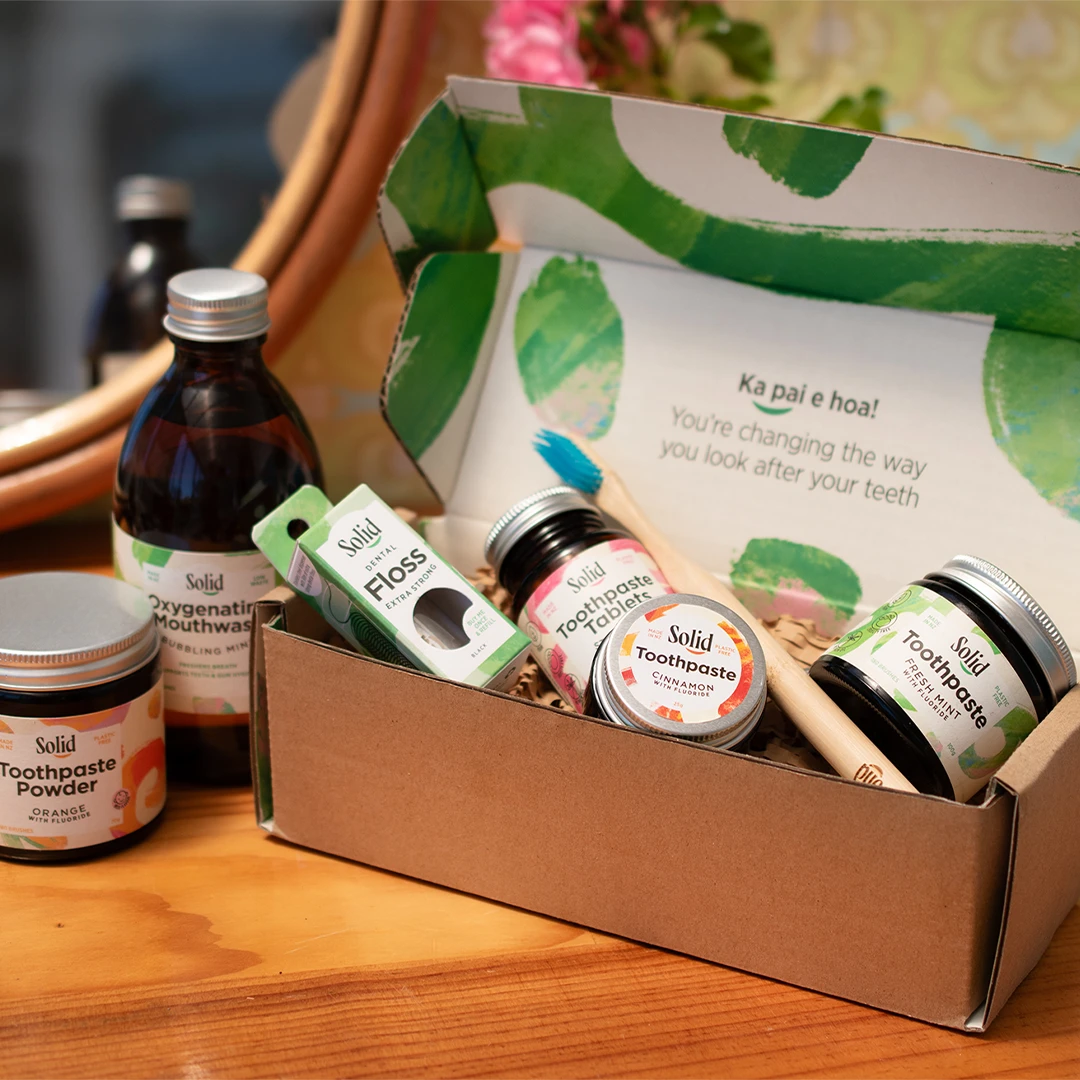
2. Set your frequency
Click the subscribe option when you are adding each product to your cart, and select your delivery frequency. Proceed to checkout as normal.

3. Adjust, pause or cancel anytime
Once your subscription has started, you can add or remove products, pause, skip or cancel anytime from inside your account.
Subscription FAQs
I'm running low. How can I move my next subscription order forward?
You can renew your subscription early by following these steps:
- Go to your account.
- Click Subscriptions.
- Click View on the subscription you would like to edit.
- Click Edit details and frequency, and choose your preferred next payment date.
I've got too much toothpaste! How do I pause my subscription?
You can put your subscription on hold by following these steps:
- Go to your account.
- Click Subscriptions.
- Click View on the subscription you would like to edit.
- Click Suspend. Your subscription will be put on hold until you reactivate it.
How add or remove a product from my subscription?
To add a new product to your subscription, follow these steps:
- Log in to your account.
- Browse to the product you’d like to add.
- On the product page, select Add to existing subscription instead of adding it as a one-time purchase.
To increase, decrease, or remove products already in your subscription, follow these steps:
- Log in to your account and go to Subscriptions.
- Click View on the subscription you’d like to edit.
- Select Edit details and frequency.
- Use the arrows to increase or decrease the quantity of each product. To remove a product completely, click the x on the left side of the product name.
Can I use store credit for my subscription?
You can apply your store credit to an upcoming subscription renewal by following these steps:
1. Log in to your Solid account.
2. Go to Subscriptions.
3. Click View on the relevant subscription and click Renew or Renew now.
4. Click Click here to renew early via the checkout.
5. This will take you to the checkout page where your store credit balance will be available to apply toward the renewal payment.
You can choose to use all or part of your store credit and pay any remaining balance, i.e., shipping with your card.
You will be notified of an upcoming renewal 5 days prior, so you can use the email as a reminder.
How much is shipping?
Orders under $60 NZD are $6.50 NZD nationwide for urban addresses and $10.50 NZD for rural addresses. For orders over $60 NZD, shipping is free.
Are all your products available for subscription?
Some of our products are buy-once products. For example, our toothpaste scoop and tongue scraper. Everything that you might need to buy again is available on subscription.